You’re running Google Ads. The budget is going out. The clicks are coming in.
But the sales aren’t following. If this sounds familiar, you’re not alone, and the problem is probably not what you think.
In this guide, we’ll explore the five real reasons why Google Ads are not converting and walk you through a simple 7-day fix to get things back on track.
Table of Contents
The Real Challenge: The Funnel Breaks After the Click
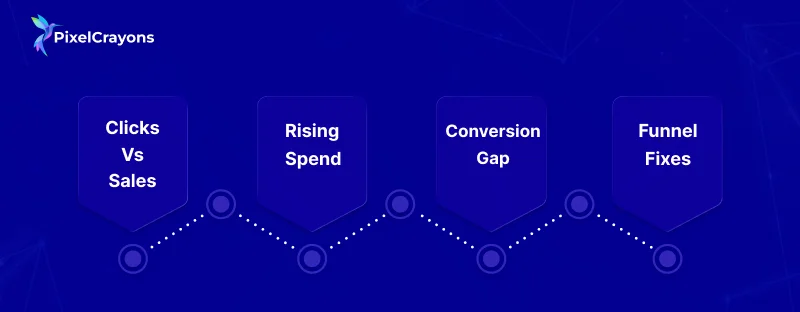
Most businesses spend hours perfecting their ads: the headline, the copy, the targeting. But the moment someone clicks, they’re on their own.
That’s where the real problem lives.
- Your ad earns the click. Your landing page either earns the sale or loses it.
- Ad spend keeps rising. Revenue stays flat. No alerts, no error messages; just a quiet leak.
- Google gets paid when someone clicks. Whether that click turns into a sale is not their problem.
- The fix is rarely the ad itself. It’s everything that comes after it.
Most brands are one honest audit away from finding out exactly where their budget is going to waste.
Also Read: Tricks to Create Cost-Effective PPC Campaigns for Startups
Reason 1: Your Landing Page Is Losing the Sale
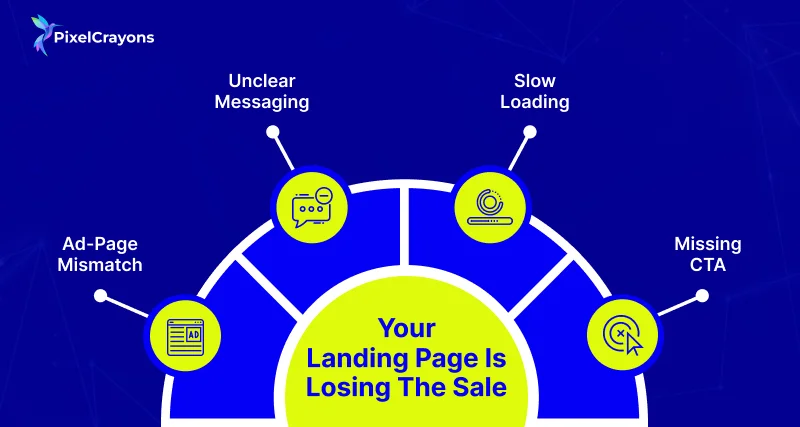
This is the most common Google Ads conversion problem, and the most overlooked. Someone clicks your ad and lands on a page that doesn’t match what they expected. They leave in seconds.
- The ad says “50% off running shoes.” The page opens on a general shoe collection. That’s a mismatch.
- The page headline has nothing to do with the ad copy. The visitor gets confused and bounces.
- The page takes more than 3 seconds to load. Most mobile users leave before it even opens.
- There’s no clear next step, no button, no form, no obvious reason to stay.
A landing page that matches your ad, same message, same offer, fast load, and one clear action can double your conversion rate without touching your ad budget.

Fix what's broken before you spend another rupee
Reason 2: You’re Paying for the Wrong Audience
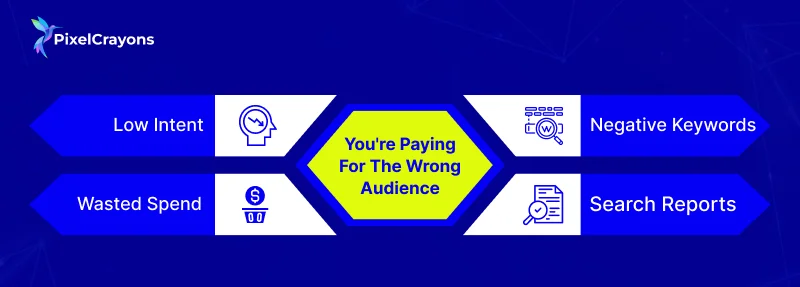
Clicks are not customers. If your campaigns are pulling in the wrong people, you’re paying for traffic that was never going to buy.
This is one of the biggest reasons businesses struggle to improve Google Ads performance.
- Someone searching “what are Google Ads” is not ready to buy. Broadmatch can show your ad to them anyway.
- Informational searches eat up the budget that should go toward people ready to act.
- Most accounts have no negative keyword list, or one that hasn’t been touched in months.
- The search term report shows exactly what people typed before clicking your ad. Most brands never look at it.
Pull your search term report this week. You’ll likely find dozens of searches that have nothing to do with what you sell.
Reason 3: Your Offer Isn’t Convincing Anyone to Act
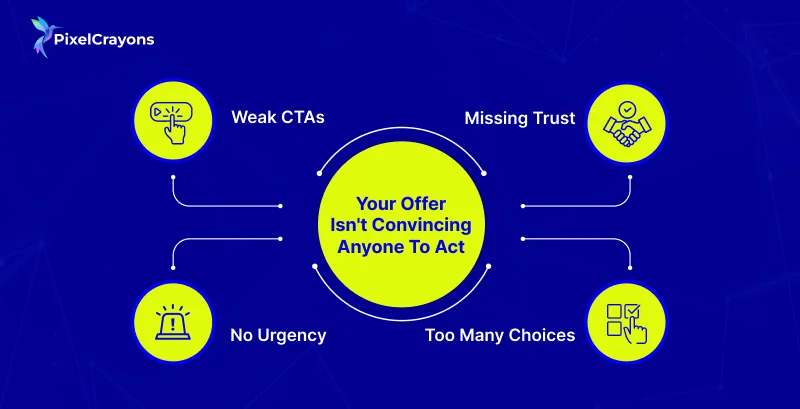
You can have the right audience on the right page, and still lose them if the offer doesn’t give them a reason to move. To truly optimize Google Ads for more leads, the offer has to do the heavy lifting.
- “Learn More” and “Submit” are not CTAs. They tell the visitor nothing about what happens next.
- No deadline, no social proof, no trust signal; no urgency to act today instead of tomorrow.
- Reviews, ratings, guarantees, and client logos all belong above the fold. Most pages bury them or skip them entirely.
- One page, one goal. Every extra link or option you add gives the visitor a reason to leave without converting.
A strong offer is specific, time-aware, and risk-free. If your page doesn’t have all three, that’s where to start.
One conversation with PixelCrayons could change what your campaigns deliver.
Reason 4: Your Bidding Strategy Is Set Up to Fail
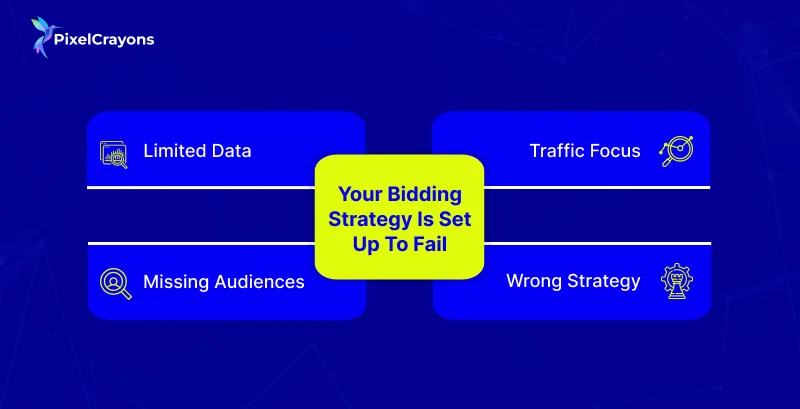
Google Ads best practices in 2026 are clear on this; Smart Bidding works, but only when it has enough data to learn from. Set it up too early, and it will optimize for the wrong things.
- Smart Bidding needs at least 30–50 conversions per month to make reliable decisions. Without that, it guesses.
- If your campaign is set to maximise clicks, Google will send you traffic, not buyers.
- No remarketing lists, no customer match, no audience signals. Google has no idea who your best customers are.
- The wrong bidding goal at the wrong stage of a campaign wastes weeks of budget before you notice.
Match your bidding strategy to where your campaign actually is, not where you want it to be.
Also Read: PPC Campaign Essentials: A Structured Checklist for Success
Reason 5: You’re Optimising Without Reliable Data
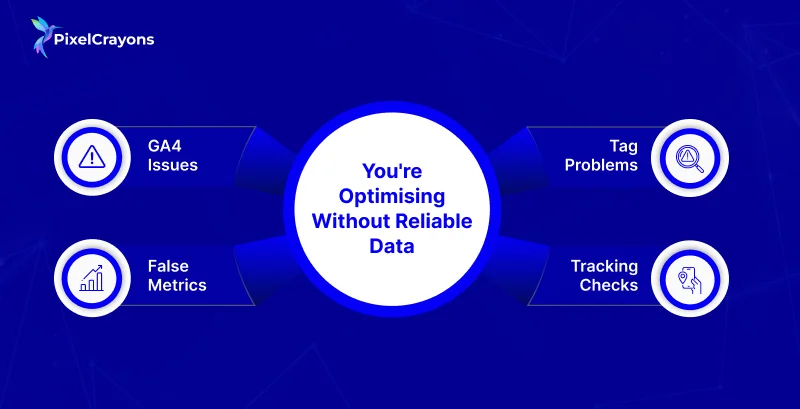
This is the silent killer. You think your campaigns are running fine because the dashboard looks active.
But if your tracking is broken, every decision you make is based on bad numbers. Working with a reliable Google Ads marketing agency often starts here; fixing the foundation before touching anything else.
- GA4 set up in a hurry often misfires. Conversions get counted twice, or not at all.
- If you’re optimising for “time on page” or “button clicks,” you may be training Google to find browsers, not buyers.
- Tag Manager setups drift over time. A conversion action that worked six months ago may be broken today.
- You can verify tracking in real time using GA4 DebugView and Google Tag Assistant; most brands never do.
Clean data is not optional. If you don’t trust your numbers, you can’t trust your decisions.
7-Day Fix Checklist: Where to Start This Week
You don’t need to fix everything at once. Seven days, one task at a time; this is how you stop the leak fast. These are the same steps any solid PPC marketing service would run through in an initial account audit.
- Day 1–2: Open Google PageSpeed Insights. Test your landing page. If it scores below 70 on mobile, that’s your first fix. Then check that your ad headline and landing page headline say the same thing.
- Day 3: Go to your search term report in Google Ads. Download it. Highlight anything irrelevant. Add those terms as negative keywords today.
- Day 4: Open GA4. Go to your conversion events. Check that they are firing on the right actions: actual purchases, form submissions, or calls. Not just page views.
- Day 5–6: Sort your keywords by cost. Find the one’s spending budget with zero conversions over 30+ days. Pause them. Shift to exact or phrase match where broad match is running unchecked.
- Day 7: Look at your bidding strategy. If you’re on Maximise Clicks and have enough conversion data, switch to Maximise Conversions. Check what audience lists are attached to your campaign; if none, add them.
If you’re wondering why Google Ads aren’t converting, one week of focused fixes will tell you more than months of passive monitoring.
Let PixelCrayons turn your Google Ads into a conversion machine; starting today.
What a Fix Looks Like: A Real-World Example
A D2C fashion brand was spending $40,000 a month on Google and Meta Ads. Their conversion rate was stuck at 0.9%.
The marketing manager was handling ads, SEO, email, and social all at once with no dedicated support for the website or tracking setup.
Here is what was broken and what changed:
- Landing page: The page was generic, slow, and mismatched with the ad. A focused landing page was built for each campaign with a clear headline, one CTA, and trust signals above the fold. Load time dropped from 5.8s to 2.1s.
- Keywords: The search term report showed the budget going to irrelevant queries. A negative keyword list was built from scratch. Match types were tightened across all ad groups.
- Tracking: GA4 was firing a conversion for every page load, not just purchases. This was corrected, and conversion actions were rebuilt from the ground up.
The result: conversion rate moved from 0.9% to 2.1% in 30 days. Same budget. No new ads. Just fixing what was already broken.
This is what proper Google Ads conversion rate optimization looks like in practice.
Final Thoughts
If don’t know why Google Ads aren’t converting, the answer is rarely to spend more.
It’s to fix what’s already leaking. The landing page, the audience, the offer, the bidding, and the tracking; these five areas cover the vast majority of conversion problems in most accounts.
Start with the checklist. Audit before you scale. And if you’d rather have an expert team run this for you under your brand or ours, that’s exactly what PixelCrayons does.
FAQs
1. How long does it take to see results after making these fixes?
Ans. Most changes show impact within 2–4 weeks. Landing page and tracking fixes tend to show results fastest. Bidding strategy changes take longer because Google needs time to re-learn.
2. Should I pause my ads while fixing the landing page?
Ans. Not necessarily. You can run both in parallel and compare performance. Pausing spending while the fix is live for a few days is reasonable if your budget is tight.
3. How do I know if my GA4 tracking is actually working?
Ans. Use GA4 DebugView while going through a test conversion on your site. If the event fires in real time, it’s working. If nothing shows up, something is broken.
4. What is a realistic conversion rate benchmark for eCommerce on Google Ads?
Ans. A healthy eCommerce CVR on Google Ads sits between 2–4%. Anything below 1% points to a problem in the landing page, audience targeting, or tracking, not the ad itself.
5. Do I need an agency to fix this, or can I handle it in-house?
Ans. You can handle the basics in-house using the checklist above. But if your team is already stretched across multiple responsibilities, which is true for most growing brands, a dedicated execution partner will get you there faster and with fewer mistakes.