
On a PixelCrayons list? Add the seal.
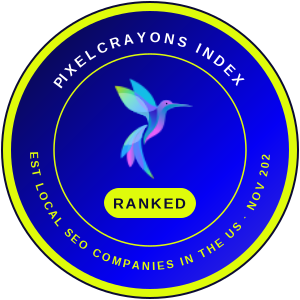
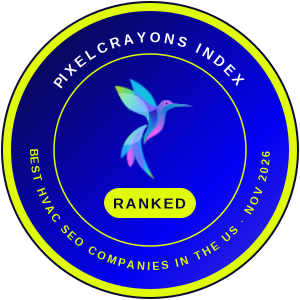
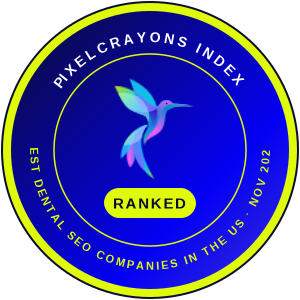
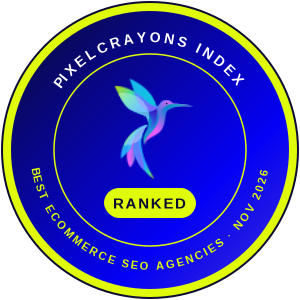
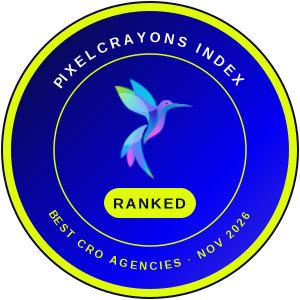
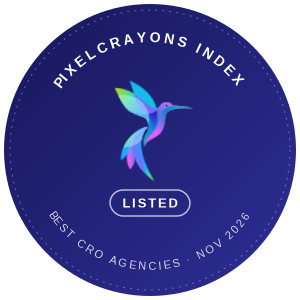
A PixelCrayons Index seal shows that a firm appears on one of our monthly rankings. Ranked means the firm was scored and numbered. Listed means it passed our entry checks but could not yet be scored. Seals are free and never sold, and using one is never a condition of a place on a list.
By The PixelCrayons team · Updated 5 November 2026

Get
your seal.
Only the lists published this month. Not on one yet? The steps below explain how to ask.
<a href="https://www.pixelcrayons.com/rankings/best-local-seo-companies/"><img src="https://www.pixelcrayons.com/rankings/seals/best-local-seo-companies-ranked-2026-11.png" width="150" height="150" alt="Ranked in the PixelCrayons Index: Best Local SEO Companies in the US, November 2026"></a>
The link is optional. Use the PNG for email and slides, the SVG on websites.
What Ranked and Listed
mean.
Each list has both seals, for the current edition month.
Ranked
The firm is scored by the published method and numbered in the table. The prominence comes from the score and the evidence, never from payment.

Listed
The firm passed the entry checks and appears under “Also listed”. It could not yet be scored, so it has no number and no score.
How to get,
use and link your seal.
- 01
Find your firm on a list
Open the Rankings and find the list for your service. If your firm is in the numbered table, you are Ranked. If it is under “Also listed”, you are Listed.
- 02
Download your seal
Every list has two seals, one per tier, for the current month. Pick your list and tier in the builder at the top of this page. Use the PNG for most places (email signatures, slides, social posts) and the SVG on websites.
- 03
Link it if you like
You may link the seal to your list page. The link code in the builder does that with a plain link. Linking is your choice. It is never needed, and it never changes your place.
- 04
Not on a list yet?
Use the request form further down this page. Tell us your firm's website and the service you offer. We run the same checks as for every firm, free. Approved firms are added at the next monthly edition. A request never affects a rank.
- 05
Something wrong about your firm?
Use the request form further down this page, choose Correct something and give a source for the change. We check it, rescore and log the change on the list.
Rules for using a seal
- Use the seal for your tier on your list, as it is. Don’t change its colours, text or shape.
- Each seal names a list and an edition month. Use the latest one, and stop using it if your firm leaves that list.
- A seal says only what it says: the firm appears on that list in that month. It is not an award, a certificate or an endorsement.
How the scores are worked out is on the method page. The lists are on the Rankings home page. Not on a list yet, or something to correct? Send a request.
Every list's seals,
for this edition.
PNG for email, slides and social posts. SVG for websites. For the link code, pick the list in the builder above; or download the file and host it yourself.























































































































































































































Ask to be listed,
or send a correction.
It is free and changes no rank. We run the same checks as for every firm, and approved firms are added at the next monthly edition.
Frequently
asked.
No. Seals are free and never sold. No firm pays for a place on a ranking, or for a listing, and no firm is asked for anything.
No. The link is optional. Using a seal, or linking it, is never a condition of a place on a list, and it never changes a rank.
Use the seal for your tier on the list you appear on. It is Ranked if you are numbered in the table and Listed if you are under Also listed. Each seal names the list and the edition month.
Use the request form on this page. Tell us your firm's website and the service you offer. We run the same entry checks as for every firm. Approved firms are added at the next monthly edition. A request never affects a rank.
A seal shows one edition month. Each new edition publishes new seals, so use the latest one for your list. If your firm is no longer on the list, stop using the seal.
Use the request form on this page, choose Correct something and give a source for the change. We check it, rescore and log the change on the list.
Last updated